
In the expanse of digital communication, maintaining the confidentiality of...
Extract Any Mail Pro
Extract Any Mail Pro provides full support for both IMAP and POP with both SSL and TLS. You can easily configure ProtonMail in Extract Any Mail Pro. Here goes the step-by-step instruction on how to configure ProtonMail IMAP in Extract Any Mail Pro:Step 1: According to ProtonMail...
Extract Any Mail Pro provides full support for both IMAP and POP with both SSL and TLS. You can easily configure ProtonMail in Extract Any Mail Pro. Here goes the step-by-step instruction on how to configure ProtonMail IMAP in Extract Any Mail Pro:
Step 1: According to ProtonMail documentation, you must install ProtonMail bridge first. Download and install bridge according to this tutorial:
https://protonmail.com/bridge/install
Step 2: After installing the bridge, add your account.
Step 3: Finally use the below configuration in Extract Any Mail Pro IMAP settings:
IMAP Server Name: 127,0,0,1
Port: 1143
Enable SSL: True
Username: Your full email ID
Password: Enter account password
Save settings and you are ready to go. Let us if you feel any problem or need support.
If you are still having any issues or confusion, please feel free to knock un on Live Chat from our website: https://validemailcollector.com/
Skype: https://join.skype.com/invite/GE5rdBSXKnEx
Email Address: support@validemailcollector.com
Related Posts
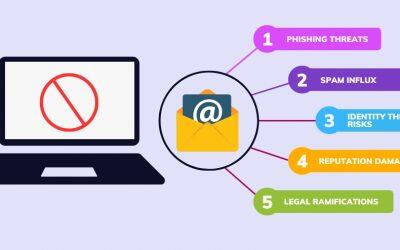
Why you should avoid posting your email list online?
read more
Why I should upgrade to Email Sorter Ultimate from Email Sorter Pro?
Email Sorter Ultimate has expanded its capabilities by incorporating...

How do I install the Email Sorter Ultimate?
You can install the Email Sorter Ultimate easily. Please check this...
Blog tags:Email ExtractionEmail SortingTroubleshooting